Documentation
BibleMarker brings colored-pencil Bible study to your screen — mark the words you notice, jot down what you see, and let the app keep track of it all. These guides walk you through everything, one gentle step at a time. Start with Getting Started, or jump to whichever topic you need.
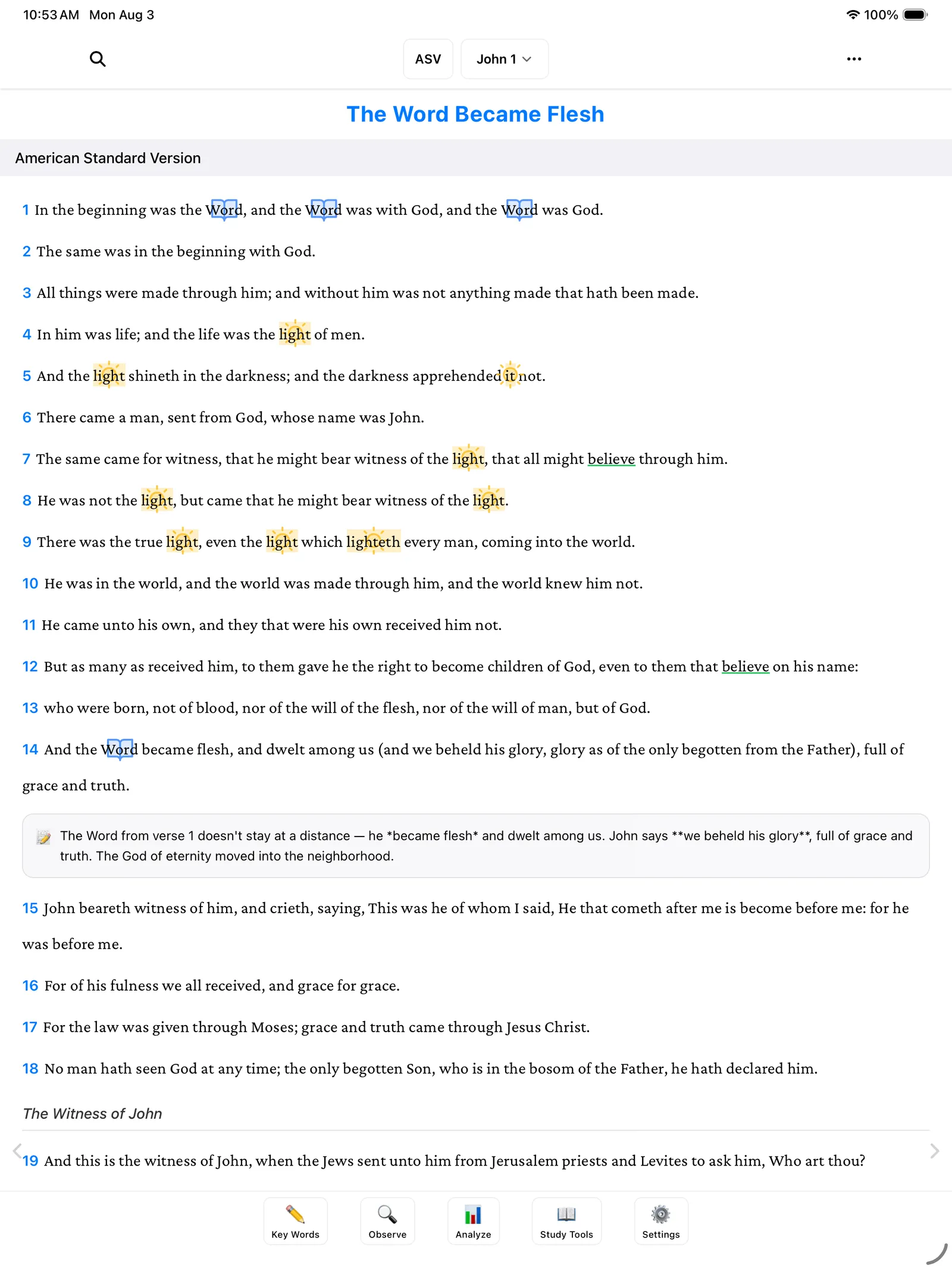
Getting Started A gentle first tour of BibleMarker — the reading view, the five buttons along the bottom, and where to go next. Accounts & Sync Sign in with just your email — no password — to keep your studies safe and in sync across your devices. Create a Study Set up a named study notebook, make it active, and keep each book's markings in its own place. Marking Key Words Mark a key word from start to finish — give it a color and symbol, catch its other forms, and add notes to verses. People, Places & Time Keep track of who's in the passage, where things happen, and when — like three running lists in your notebook. Lists & Flow Gather what you're noticing into simple lists, and follow the "therefores" to see where the passage is heading. The Analyze Tab Step back from your marked pages and see the whole book at once — then write down what it means and what to do about it. Study Tools Your study books on the shelf — look up people, original Hebrew and Greek words, and related verses, all built in. Export & Share (PDF) Save a marked-up chapter or a whole study as a PDF you can print, share, or keep. Settings & Backups Make the app comfortable — text size, fonts, translations — and keep your work safe with automatic backups. Keyboard Shortcuts A one-page list of every keyboard shortcut — all optional, for those who like to keep their hands on the keys.